Browse Abandonment Emails: Product and Collection Flows
Browse abandonment split into two journeys: collection browsers who opened nothing, and product viewers who didn't add to cart. What to send each, and when.
Updated October 2026.
Browse abandonment is when a known shopper looks at your products and leaves without adding anything to their cart. A browse abandonment email, or WhatsApp message, follows up on what they looked at. It's lower intent than cart abandonment, so it needs a lighter touch and a different message.
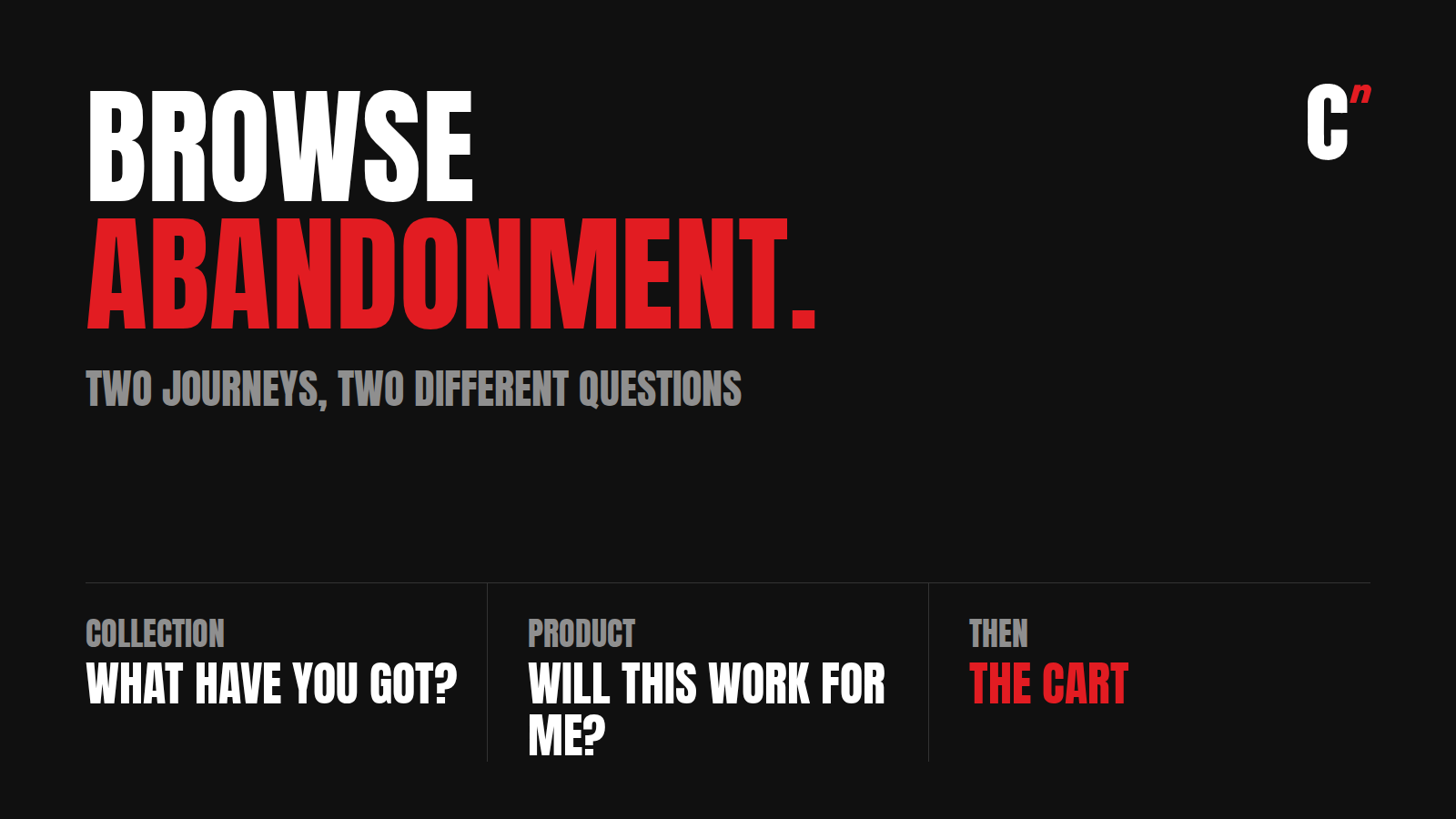
Most guides treat browse abandonment as one flow. I split it into two, because the two shoppers are asking different questions:
- A collection browser looked at a category and opened no product. They're asking "what have you got?"
- A product viewer opened a product and didn't add it. They're asking "will this work for me, and what will it cost me to find out?"
Answer the wrong question and the message is noise. I run Compound Lab, a retention agency, and this is how I set both up. They're two of the 13 journeys in my guide to ecommerce automation flows.
Who you can follow up
Browse journeys only work on shoppers you can identify. An anonymous visitor who leaves can't be reached at all. In practice, the people in these journeys are:
- Pop-up sign-ups who came back to browse
- Shoppers recognised by a one-tap identity tool like GoKwik's KwikPass or Shopflo's ShopPass
- Past customers, browsing again
- Anyone logged in
So the size of your browse journeys depends on your pop-up and identity setup more than on the messages. My guide to welcome series and pop-ups covers that half.
And being identified isn't consent. Check the person has opted in to WhatsApp before sending there; otherwise send the email version.
The collection journey: "What have you got?"
Someone browsed a category and left without opening a single product. The listing didn't help them choose. Baymard Institute found that half of ecommerce sites show too little in their product lists, like price, ratings or variants, so shoppers bounce between pages or leave.
Don't send them the whole shelf again. Show them the range, then the best of it:
- For a whey protein collection, talk about the flavours. The choice they're stuck on is probably which one.
- For an earrings collection, send the top five bestsellers, or a link to the collection already filtered by bestseller.
- For apparel, the fits or the most-bought colours.
Keep it light: one or two messages, by email first. It's the lowest-intent journey of all, and it's the one almost nobody runs. Most brands stop at cart and checkout.
Trigger: collection viewed, then about 30 minutes with no product view, cart, checkout or order.
The product journey: "Will this work for me?"
Someone opened a product and didn't add it. They were interested enough to look. Usually the page didn't answer something.
The research on why is fairly consistent:
- In Nielsen Norman Group's testing, 20% of failed purchase tasks came from incomplete or unclear product information.
- Baymard found that 64% of shoppers look for shipping costs on the product page, and many sites don't show them.
- In India, an Instamojo survey of shoppers found 78% hesitate to buy from a D2C brand because they can't touch the product, and 66% drop out over poor reviews.
So the message answers what the page didn't. Not a sales push:
- Reviews of that exact product, not the brand in general.
- The most asked question about it, with the answer.
- How it's used, sized or fitted.
- What it costs to get it to them, and by when, for their pincode if you can.
- The return terms for that product.
Someone who opened the same product twice has a specific doubt. Lead with the answer to it.
Trigger: product viewed, then about 30 minutes with no add to cart, checkout or order.
Read the replies as a fix list
Add a "Chat with us" button. The questions people send back, about sizing, delivery, materials, are a list of what the product page is missing. Fix the page and fewer people need the message at all.
Which journey wins
Browse journeys sit at the bottom of the intent ladder. When a shopper does more than one thing, the deepest action wins:
Checkout, then cart, then product, then collection, then welcome.
- Someone in the collection journey who opens a product moves to the product journey straight away.
- Someone in the product journey who adds to cart moves to the cart journey.
- Never down. A collection view never pulls a cart abandoner back into the collection journey.
- After a browse journey ends without an order, wait a few days before starting another for the same person.
None of the browse abandonment guides I read set rules for how browse and cart flows interact. Without them, a shopper can get a "still thinking about it?" message an hour after their cart reminder.
What the numbers say, and what they don't
Most published numbers come from email tool vendors, so read them as directional:
- Klaviyo reports browse abandonment emails converting at 0.96%, against 0.10% for an average campaign.
- Omnisend reports browse abandonment emails get high attention and low conversion: about 42% opened and 0.59% converted.
That second pattern is the useful one. Browse journeys get read, but they convert less than cart journeys because the shopper is earlier. So measure them on the step forward, not only on orders: how many product viewers added to cart, and how many collection browsers opened a product. Then measure orders against a small holdout who got nothing.
Rules for browse journeys
| Rule | Setting |
|---|---|
| Who | Known shoppers only, with no deeper journey running |
| Wait | About 30 minutes of inactivity |
| Messages | Collection: one or two. Product: two, with any incentive last and only if the brand discounts |
| Live products | If the viewed item goes out of stock, show alternatives or send nothing |
| Exits | A deeper action, an order, a reply, an opt-out |
| Re-entry | A few days after the last journey ended |
| Channel | Email first. WhatsApp only with opt-in, and sparingly, since it's a marketing message |
Free auditScore your store against all 13 journeys and pick which to build next, in one fillable PDF. Get the free audit
What other browse abandonment guides get wrong
| What many guides say | What's closer to true |
|---|---|
| Browse abandonment is one flow. | Collection browsers and product viewers ask different questions. Run two journeys. |
| Lead with urgency or a discount. | Lead with the answer the product page didn't give. |
| Send it to every visitor. | Only identified shoppers can be followed up, and only with consent for each channel. |
| Measure it on revenue. | Measure the step forward first, then orders against a holdout. |
| Run it alongside the cart flow. | The deeper journey wins. One journey per person at a time. |
Where I fit
Most brands I talk to stop at cart and checkout, so everyone who browsed and left hears nothing, or hears a discount. Compound Lab is a retention agency, and setting up the journeys for shoppers who aren't ready yet, with the rules that keep them from clashing with cart recovery, is the work. Book a 30-minute call and we'll look at what your browsers hear from you.
FAQ
What is browse abandonment? When a known shopper views products or collections on your store and leaves without adding anything to their cart. A browse abandonment email follows up on what they looked at.
What is the difference between browse abandonment and cart abandonment? Cart abandoners chose a product and stopped before buying. Browse abandoners only looked. Browse messages should answer questions about the product; cart messages help someone finish a decision they've mostly made.
When should I send a browse abandonment email? About 30 minutes after the shopper stops browsing, once it's clear they haven't moved on to add to cart or checkout.
What should a browse abandonment email include? The product they viewed, reviews of it, its most asked question, delivery cost and date, and return terms. For collection browsers, the range or the top bestsellers in that collection.
How many browse abandonment emails should I send? One or two for collection browsers, two for product viewers. Stop as soon as they add to cart, order or reply.
Does browse abandonment work on WhatsApp? It can, with opt-in, but it's a marketing message and the intent is low, so use email first and keep WhatsApp for repeat viewers of the same product.
What is product abandonment? Another name for a product viewer leaving without adding to cart. I treat it as its own journey, separate from collection browsing.
Free audit
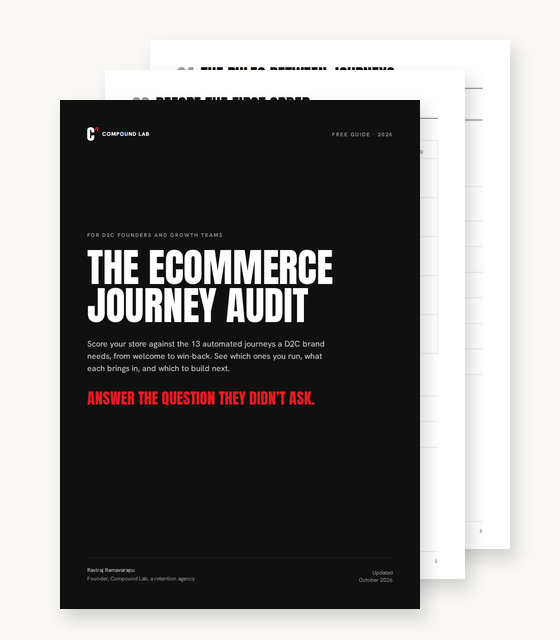
Answer the question they didn’t ask.
The ecommerce journey audit. Score your store against the 13 journeys a D2C brand needs, and pick which to build next, in one PDF.
- A scorecard for all 13 journeys, from welcome to price drop
- The rules that stop journeys from clashing, as a checklist
- Channel costs at Meta’s India rates, and a build-next planner
Sent. Check your inbox.
The audit is on its way to .