
WhatsApp Win-Back Messages: Examples That Work (2026)
Where to find the customer data behind WhatsApp win-back messages, real examples from brands I've worked with, and how to turn that data into words.
Updated October 2026.
The best WhatsApp win-back message is built from something the customer already told you. Not in a survey, but through what they bought, browsed, booked, watched or used. Most brands reach for a discount because they never went looking for that data.
This post is about where to look. It covers the method I use to find the data, where it usually lives, what it looked like at brands I've worked with, and how to turn it into a message. If you want the campaign where this started and its results, that's in win-back campaigns that work.
How to find the data for a win-back message
Every customer leaves a trail. The work is finding it before you write a word. I go in four steps, in this order.
- Walk the customer journey. List every touchpoint the customer had with you, from sign-up and onboarding to purchase, usage, support and renewal. At each one, note what information officially changed hands. What did they tell you? What did they choose? What did they do?
- Sit with the product or data team. Most of what the journey shows is already stored somewhere. At Healthify, we pulled it straight from the backend in Metabase, where every event a user triggered was recorded.
- Read your old campaign data. Look at how you've been talking to these customers, what they ignored, and what you shouldn't repeat.
- Write the ideal message, then fill it. Only once you know what exists do you draft the message you'd send if you knew everything, and then check every line against the data you found.
The order matters. If you start with the message, you write around the data you assume you have. If you start with the journey, you find data nobody thought to use.
Where customer data lives
The data can live anywhere. It usually sits in one of four places, and often not where the marketing team looks.
Your store's order history. Shopify or any order system holds every product, variant, size, flavour and date a customer bought. It's the richest record most D2C brands have, and the least used in messages.
Your backend events. Apps and websites log what users do, often far more than the marketing team sees. Ask the product team what's stored, or open the database tool they use.
Your engagement platform. Wishlists, browsed products, viewed pages and clicks on past messages sit in tools like WebEngage, MoEngage or CleverTap.
Your past campaigns. Delivery, clicks and replies on old messages tell you what this customer responded to, and what they've been hearing from you too often.

Win-back data examples from brands I've worked with
The same thinking applies whatever you sell. Here's what the data looked like at brands I've worked with, and the message it points to.
HealthifyStore, supplements. The order history showed customers who had bought several flavours of whey protein, strawberry twice, creamy coffee twice and vanilla twice. That customer has told you they like trying flavours. So the message can pitch a fourth one they haven't tried and ask how they liked the others. It's a cross-sell, it's something fresh, and it shows you remembered what they ordered.
PNG Jewellers, jewellery. Customers wishlisted several pieces during a particular season. A wishlist is a customer telling you exactly what they want, and when they were thinking about it. So the message can go back to those pieces as that season comes round again.
Cumin Co, cast iron cookware. The order history said which piece each customer owned. That was enough to send care and seasoning guidance for that exact product, and customers who had never clicked on our offers started clicking.
MyGate, a community app. A resident booking an airport drop has told you when they're travelling. That made the return pickup the obvious next message. Journeys built around each trip lifted airport return pickups from 21% to 30%. The full journey is in the MyGate case study.
Healthify, a health app. The backend held weight change, workout days, calories, food logs and app usage for each user. That became the message in the next section.
Win-back data in other businesses
These are illustrative examples, not brands I've worked with. They show the same method applied to three other kinds of business.
| Business | Data you already hold | What the message can say |
|---|---|---|
| Pop-culture T-shirt brand | Fandoms and collections bought, size, sale or full price | A new drop from the fandom they've bought three times, in their size |
| Streaming app | Genres watched, shows finished, a series left halfway | The new season of a show they finished, or a pick in their favourite genre |
| Home cleaning service | Service booked, how often, the cleaner they rated highly, last visit | It's been three months since their deep clean, and their usual cleaner has a free slot |
Notice that none of them needs a discount to have a reason to message. The data gives you the reason.
A WhatsApp win-back message example
This went to lapsed HealthifyPro users. Everything in bold changed from person to person.
Hi Ravi,
I was going through your account today and it brought back your HealthifyPro journey with us.
You lost close to 4 kg, worked out across 20+ days, logged meals consistently, and burned nearly 3,000 calories during a meaningful phase of your health journey. That kind of consistency takes real intent.
I've added ₹1,000 loyalty credits in the app so you can begin where you stopped. You can book a call to know more.
Regards,
Team Healthify
It's built in four blocks. Recognition shows a person looked at their account. Their effort is the one sentence no other customer received in that form. A reason to restart frames the credits as "begin where you stopped", not as a sale. One next step gives them a single thing to tap.

How to turn customer data into words
Finding the data is half the job. Each number also needs a rule that decides how it's said, or the message reads like a report.
| Raw data | Rule | What the message says |
|---|---|---|
| -4.3 kg | Rounded and softened | "lost close to 4 kg" |
| 2,921 calories | Bucketed | "burned nearly 3,000 calories" |
| 22 workout days | Threshold | "worked out across 20+ days" |
| 68 food logs | Qualitative | "logged meals consistently" |
| 35 app days | Used only if strong | "during a meaningful phase" |
| Missing or weak data | Dropped | The sentence still reads cleanly |
The same rules work for any business. Round exact numbers so they sound human. Bucket long tails into a few phrases. Only mention a number once it's worth mentioning. Describe behaviour instead of counting it. Leave weak signals out. And plan for missing fields from day one, because if the sentence breaks when one field is blank, it breaks for a large share of your customers.
Win-back messages that don't work
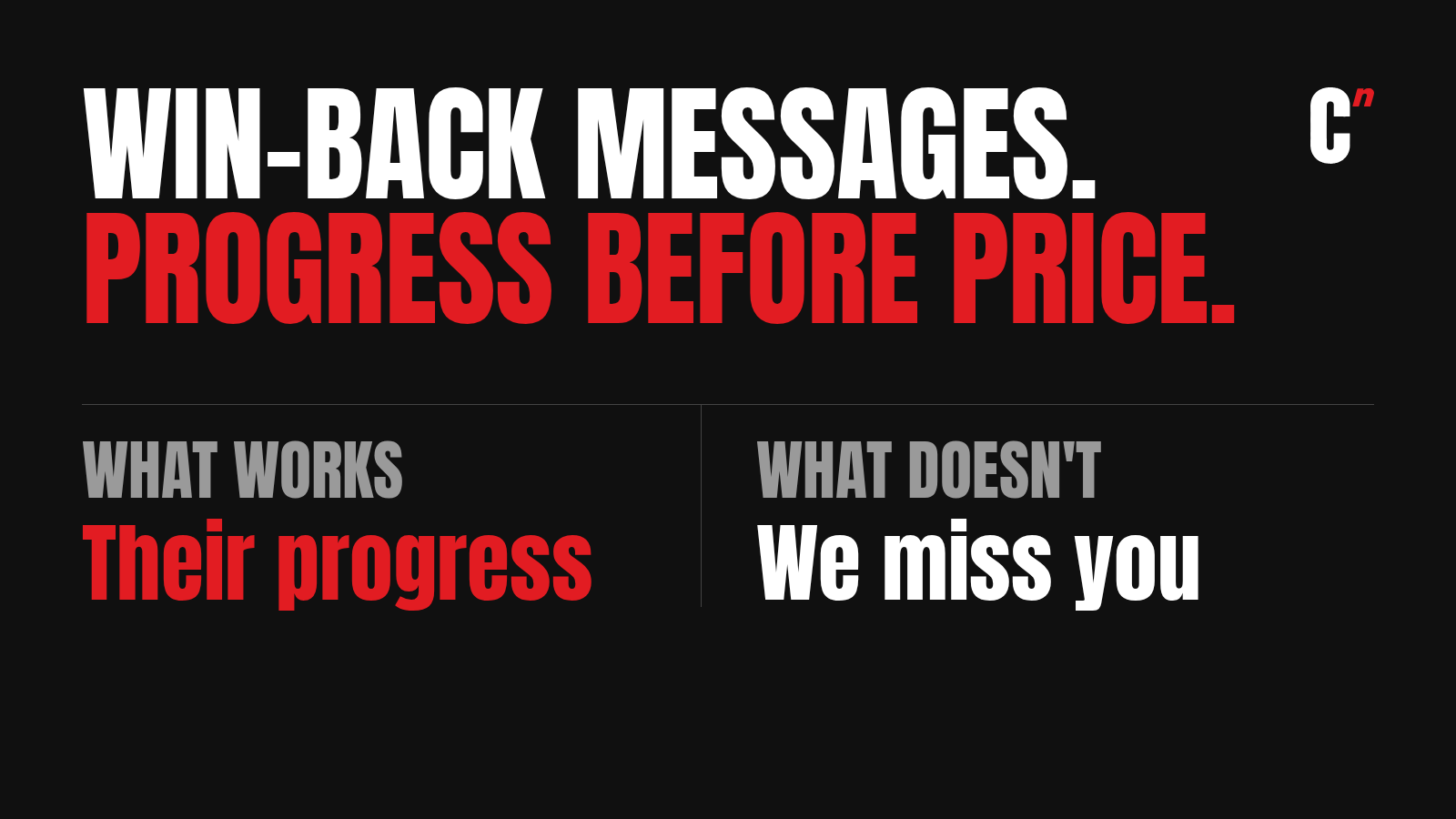
"We miss you! Here's 30% off to come back." Every lapsed customer gets the same line, so it tells them nothing about why you noticed them. This is what a message looks like when nobody looked for the data.
"Your BMI is 27.4. You logged 68 meals and burned 2,921 calories." The data was found, but never turned into words. It reads like a database export.
"Hi Ravi, your plan has expired. Renew now." A name in a template is a mail merge. If two customers with different histories would get the same sentence, it isn't personal yet.

When is a customer considered lapsed?
When the gap since their last order, renewal or app open is clearly longer than normal for your business. A supplement brand and a furniture brand have very different buying cycles, so there's no single number.
For an app with paid plans, a plan that ends without renewal is a clean line. For a D2C brand, work out how long repeat buyers usually take to order again, and treat customers well past that as lapsed. The repeat purchase rate calculator shows how many of one month's first-time buyers have come back so far, and how long they've had.
Sending win-back messages on WhatsApp
Use a marketing template. A win-back message is promotional. Meta's template guidelines say utility templates must be non-promotional, and repeated misuse brings restrictions.
Keep one approved template, with the personal sentence as a variable, so the structure stays approved while the content changes for each customer.
Check delivery before judging the copy. Marketing templates count towards WhatsApp's per-user limit, so a good message can still fail. Start with WhatsApp error 131049 and the fixes in why WhatsApp messages stop being delivered.
How to write your own WhatsApp win-back messages
- Walk the journey and list every touchpoint and what each one tells you.
- Find where each data point lives, in order history, backend events, your engagement platform or past campaigns.
- Read your old messages for what to stop doing.
- Pick the strongest signal for each customer, such as a favourite product, a wishlist, a booking pattern or progress.
- Give each field a rule for how it's said, including what happens when it's missing.
- Write the message in four blocks. Recognition, their effort or history, a reason to come back, one next step.
- Test on a small group first, then compare clicks and orders against your old message. To see what each returning customer is worth, use the customer lifetime value calculator.
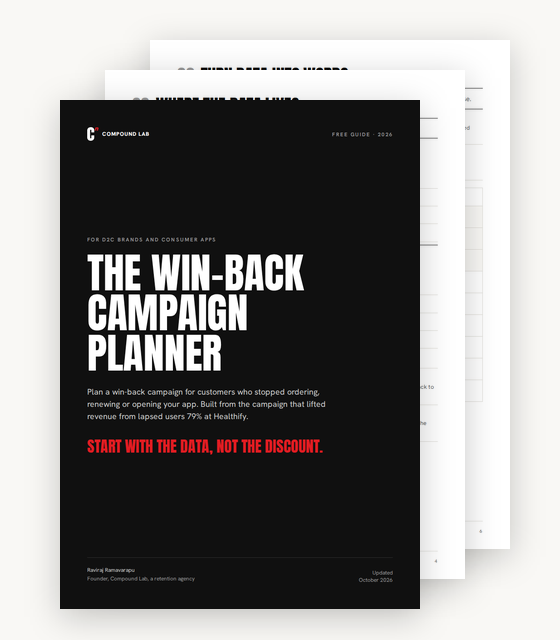
Free plannerThe full method behind the 79% lift, as a fillable planner for your own lapsed customers. Get the free planner
Where I fit
Most brands already hold the data that would make their win-back messages personal. It's split across the store, the backend, the engagement platform and old reports, and nobody has walked the journey to join it up. Compound Lab is a retention agency, and that's the work. Book a 30-minute call and we'll walk your customer journey together and find the data your win-back messages are missing.
FAQ
Where do I find data to personalise a win-back message? Start by walking the customer journey and listing what each touchpoint tells you. The data usually sits in your store's order history, your app or website's backend events, your engagement platform, and the reports from past campaigns.
What should a win-back message say? Recognise the customer, mention something they did with you, give a reason to come back, and ask for one action. Keep any discount near the end, so the message is about them before it's about a sale.
How do you write a WhatsApp win-back message? Find the strongest data point for each customer, turn it into one human sentence using simple rules, and place it into one approved marketing template as a variable. Test it on a small group before sending it to everyone.
What if I have very little data on a customer? Write a short, warm fallback that makes no personal claim, such as saying their account is still there when they're ready. An invented detail does more harm than a simple message.
When is a customer considered lapsed? When the time since their last order, renewal or app open is clearly longer than normal for your business. For an app with paid plans, that's often a plan that ended without renewal. For a D2C brand, it's well past the usual gap between orders.
Can I send win-back messages as utility templates on WhatsApp? No. Win-back messages are promotional, so they belong in marketing templates. Meta says utility templates must be non-promotional, and repeated misuse brings restrictions.
Have lapsed customers and no idea what to say to them? Book a 30-minute call.
Free planner
Start with the data, not the discount.
The win-back campaign planner. How I find the customer data a win-back message needs, and turn it into words, in one PDF.
- A four-step method to find the data you already hold
- Where that data lives, with real examples from brands I’ve worked with
- A data-to-words worksheet, the four-block message and a results tracker
Sent. Check your inbox.
The planner is on its way to .