Holdout Group and Global Control Group: Size and Lift
What a holdout group is in marketing, how a global control group works in MoEngage, Braze, WebEngage and CleverTap, how big to make it and how to read lift.
Updated October 2026.
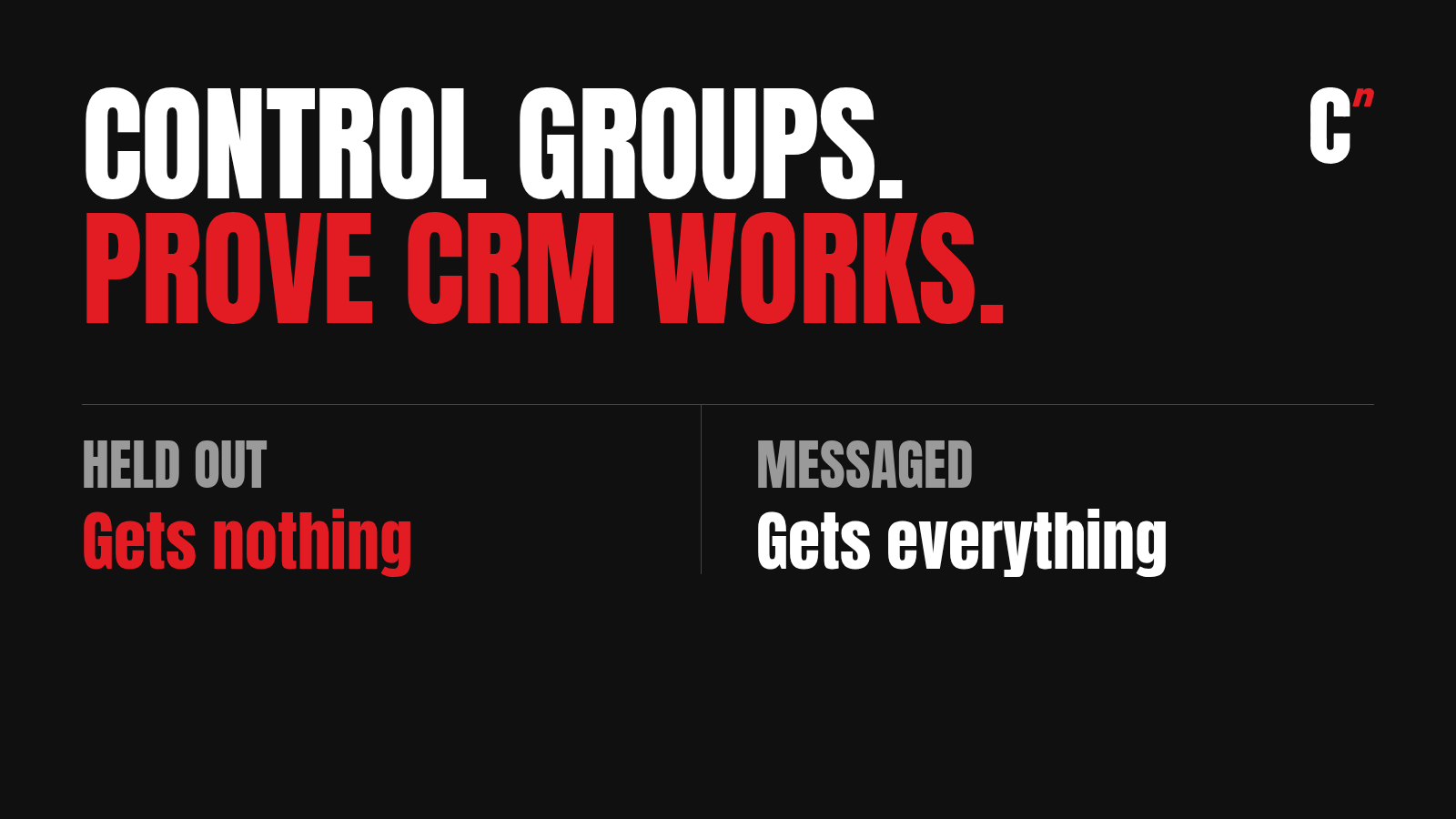
A holdout group is a random set of people you deliberately leave out of a campaign or feature, so you can measure what it changed. A global control group is a holdout across all your marketing: a random slice of all your users who get no marketing messages at all. Depending on the tool, it's set at 1% to 15% of the user base. You compare how often that group buys with how often everyone else buys, and the gap is what your whole CRM programme adds. A campaign control group does the same job for one campaign only.
At Healthify, where I ran CleverTap, we put a 5% holdout on our journeys. It's how we knew whether a journey was earning its place or just taking credit for things people would have done anyway. I share one of those results below.
What is a control group in marketing?
A control group is a set of people you deliberately don't message, picked at random from the same audience you do message. Because the split is random, both groups would behave the same if you did nothing. Any difference in purchases afterwards comes from the messages.
CRM tools offer three kinds.
- Campaign control group. A random share of one campaign's or journey's audience is held back. It answers "did this campaign work?"
- Global control group. A random share of all users is held out of all marketing. It answers "does our CRM programme as a whole work?"
- Custom control group. A share of all users held out for a short period, such as a sale. CleverTap and WebEngage both offer this.
Why have a global group when every campaign can have its own? MoEngage's docs give the reason. A campaign control group can't account for users who are influenced by other campaigns running at the same time. A user held out of one push may still get three WhatsApps from other journeys. Only a global group gets nothing, so only a global group shows the true baseline.
What is a holdout group?
A holdout group and a control group are the same idea under two names. "Holdout" describes what you do: hold some people out of the messages. "Control group" describes what they're for: a baseline to compare against. CRM tools use both. CleverTap and Braze say control group, while WebEngage calls its global version a Universal Control Group. When someone says "universal holdout" or "global holdout", they mean a global control group.
Product teams use the word too. When an app ships a new feature to most users and keeps it from a random few percent for a few weeks, that few percent is a holdout group. The maths for reading the result is the same as for CRM, which I cover below.
If you're new to journeys and campaigns, read flows vs campaigns first. The words "segment", "lift" and "holdout" are all in my CRM marketing glossary.
Global control group settings by tool
Each platform names and sizes it differently. The table below is based on each vendor's own documentation, as of October 2026.
| Tool | Name and size | What to know |
|---|---|---|
| MoEngage | Global Control Group, up to 10% | Random or an uploaded list. One per workspace. On by default for new campaigns |
| Braze | Global Control Group, 1% to 15% | Whole numbers only. Exempt campaigns with tags. Change it only by disabling and recreating |
| WebEngage | Universal Control Group (UCG) | Excluded from all campaigns. Size range not published |
| CleverTap | System Control Group, 2% to 5% | Whole user base. One per account. On for campaigns and journeys by default |
| Netcore | Control Group, percentage or list | Set in the journey builder. A global version isn't documented |
Sources: MoEngage Global Control Group, Braze Global Control Group, WebEngage control groups, CleverTap control groups and Netcore's journey builder. Settings change, so check the live docs before you rely on a number.
A few details matter more than the size limits.
MoEngage global control group. Users are picked at random, and new users who join later are added at the same rate. There's a setting called "Allow marketers to send campaigns to these users", which MoEngage suggests for transactional messages and mandatory app updates. Results show up in its Uplift reports.
Braze global control group. Braze assigns users by random bucket numbers. Campaigns or Canvases with an exclusion tag still reach the control group, which suits transactional sends. API campaigns already reach it, except API-triggered Content Cards. Braze keeps no history of old groups, so export the list before you disable one.
WebEngage Universal Control Group. "Users once assigned to UCG will be excluded from receiving any campaigns even if they are part of targeted segment." WebEngage says urgent messages, such as payments and upcoming events, shouldn't use a control group. Its control groups page doesn't publish a size range for the UCG, as of October 2026, so check that page or ask WebEngage support before you pick a number.
CleverTap System Control Group. CleverTap's docs describe it as created on the entire user base, at 2% to 5%, and applied by default to every campaign. The same page has a setting to apply it to all journeys and campaigns. You can remove it from a single campaign or journey, but CleverTap recommends doing so only for transactional messages, because it affects reports. Campaign and journey control groups can be 2% to 99%.
How to set up a global control group
The menus differ by tool, but the decisions are the same everywhere. As of October 2026, MoEngage puts the setting under Settings, then Advanced settings, then Control groups. Braze puts it under Audience, then Global Control Group. CleverTap puts it under Settings, then Control Group. WebEngage's docs don't spell out the path, so check its knowledge base for the current screen.
- List what must always reach everyone. OTPs, order and delivery updates, payment reminders and app update prompts. Exempt these with the tool's own setting, such as tags in Braze or the allow-send option in MoEngage.
- Pick a size. See the next section.
- Pick one conversion event. Usually "Order Placed" or "Purchase" for a D2C brand, or a key action for an app. Use the same event for the whole read.
- Switch it on and leave it alone. Braze advises reshuffling no more than once a month. Every reshuffle restarts the experiment.
- Export the member list. Before you disable, resize or replace a group, download the list. Braze and MoEngage both offer an export.
- Read results monthly. Braze recommends looking at at least one month of data, because short windows swing week to week.
How big should a global control group be?
Size is a trade-off. A bigger group gives a clearer answer, but every user in it gets no marketing, so the brand gives up whatever revenue those messages would have earned. A smaller group costs less but gives a noisier answer.
WebEngage publishes the most practical sizing advice. It suggests starting with a 10% control group. For audiences of around 100 users it says you'd need 30% to 40%, and for audiences in the millions, 3% to 5% can be enough. It warns that below 1,000 users in the target audience, the control group may not be representative.
A simple way to think about it uses the tool limits too.
- Large app or brand, many lakh users. 3% to 5% is usually enough, and fits every tool, including CleverTap's 2% to 5% range.
- Mid-sized D2C brand. Around 10%, which fits MoEngage's cap and Braze's range.
- Small list. A global control group won't tell you much. Use campaign control groups on your biggest journeys instead.
A quick check before you trust a size: multiply the control group's size by the conversion rate you expect. A control group of 10,000 users converting at 3% gives about 300 conversions a month. If your numbers give only a few dozen, the result will swing too much to read. Make the group bigger or read over a longer period.
To see what the held-out revenue is worth to the brand, run the numbers through the customer lifetime value calculator.

The hardest part: giving up 5% of your revenue
The hardest part of running a control group isn't the setup. It's watching 5% of your users go unmessaged when you know some of them would have bought if you'd pushed them.
Everyone agrees the holdout tells you how campaigns perform. But when a target is due, the question in the room changes to "what if that 5% doesn't convert?" You'd still get your uplift number, and you'd still be giving up revenue to get it. So many teams have a holdout setting in their CRM and never switch it on. They message everyone and never test incrementality.
It's a double-edged sword. Hold people out and you lose a little revenue now. Message everyone and you never learn how much of your revenue the campaigns actually caused, so you can't tell a journey that earns from one that takes credit.
The way I'd settle it is with the size. A small holdout, 5% or less on a large base, costs little and still gives a clear read. Keep it on every journey, and treat the revenue it costs as the price of knowing which journeys to keep.
How to read global control group results
The core number is lift. Most tools calculate it the same way. WebEngage and Braze both publish the formula.
Lift % = (messaged group's conversion rate minus control group's conversion rate) ÷ control group's conversion rate × 100
Here's a made-up example. Say 2,00,000 users get your messages and 4.0% of them buy in a month. The 10,000 users in your control group get nothing, and 3.2% of them buy anyway.
- Lift. (4.0 minus 3.2) ÷ 3.2 = 25%. Messaged users bought 25% more often.
- Incremental buyers. 0.8% of 2,00,000 = 1,600 extra buyers that CRM can claim.
- What CRM can't claim. The 3.2% baseline. Those people would have bought without any message.
CleverTap reports revenue as ARPU (average revenue per user) for both groups, which is often more useful than conversion rate. Multiply the ARPU gap by the messaged group's size and you get incremental revenue.

Watch for these mistakes when you read results.
Comparing opens or clicks. The control group gets no messages, so it has no opens. Compare purchases or a key action.
Reading it weekly. Small gaps flip from week to week. Read at least a month.
Negative lift. If the control group converts better, the messaging is putting people off. WebEngage advises stopping a campaign in that case. At the global level, check frequency caps first.
Exempting too much. If half your campaigns skip the control group, the result measures only the other half.
This is the same logic behind a good win-back test. My win-back campaigns post covers how to plan one for lapsed users.
A real example: measuring a new feature with a 5% holdout
Control groups aren't only for purchases. At Healthify, we used one to measure a feature launch.
Users used to log food by tapping a food item and typing it in. The app then launched Snap, which let people log a meal by taking a photo of it. We built a journey to get users to try photo logging, and held 5% of the eligible users out of that journey.
The users in the journey did about 20% better than the 5% holdout. I don't remember the exact figure, so treat it as roughly 20%. What mattered was that we could say the journey caused the change, rather than people finding the feature on their own.
Two lessons from it carry over to any brand.
- Pick the event that matches the goal. For a feature launch, it's feature use, not orders.
- Keep the holdout on every journey, not just the big ones. At 5%, the cost is small, and you'll always know which journeys earn their place.

How to talk about control groups in a CRM interview
Freshers who mention control groups stand out, because most talk only about open rates. Say you'd judge a journey by its lift over a control group, not by clicks. Then explain the difference between campaign and global control groups in one line each.
If you're asked "how do you know CRM is working?", the global control group is the answer. Practise it on a trial account, as I describe in my CleverTap certification guide. For how the main platforms compare beyond this one setting, see my four-platform comparison. And if you're unsure where CEPs sit in the wider stack, read CEP vs CDP.
Where I fit
I'm Raviraj, founder of Compound Lab, a retention agency for D2C brands and consumer apps. If you're building a CRM career, read how to become a CRM marketer, and see what is CRM marketing for where measurement fits in the job. If you run a brand and want to know what your CRM really adds, book a 30-minute call.
FAQ
What is a global control group? A global control group is a random share of all users, usually 1% to 15% depending on the tool, who receive no marketing messages. Comparing their conversion rate with everyone else's shows how much the whole CRM programme adds.
What is a holdout group? A holdout group is the set of users deliberately kept out of a campaign, journey or all marketing, so you can compare them with users who got the messages. In CRM tools, holdout group and control group mean the same thing.
What is the global control group size in MoEngage? MoEngage lets you put up to 10% of all users into its Global Control Group, picked at random or from an uploaded list. Each workspace can have only one.
What is the global control group size in Braze? Braze accepts a whole number from 1% to 15% of all users. To change it, you disable the group and create a new one, so export the old list first.
What is the difference between a control group and a global control group? A campaign control group holds back part of one campaign's audience to measure that campaign. A global control group holds part of all users out of all marketing to measure the total effect of CRM.
Should transactional messages go to the control group? Yes. Order updates, OTPs and payment reminders should reach everyone. MoEngage, Braze and CleverTap all let you exempt such messages from the control group.
How do you calculate lift from a control group? Subtract the control group's conversion rate from the messaged group's, divide by the control group's rate and multiply by 100. If 4.0% of messaged users buy and 3.2% of control users buy, lift is 25%.
Not sure how much of your revenue CRM can claim? Book a 30-minute call.