Kwik Engage Review (2026): Pricing, Features, Pros and Cons
Honest Kwik Engage (KwikEngage) review from a paying customer: what GoKwik's WhatsApp tool for Shopify does, pricing, KwikPass, pros, cons and support.
Updated October 2026.
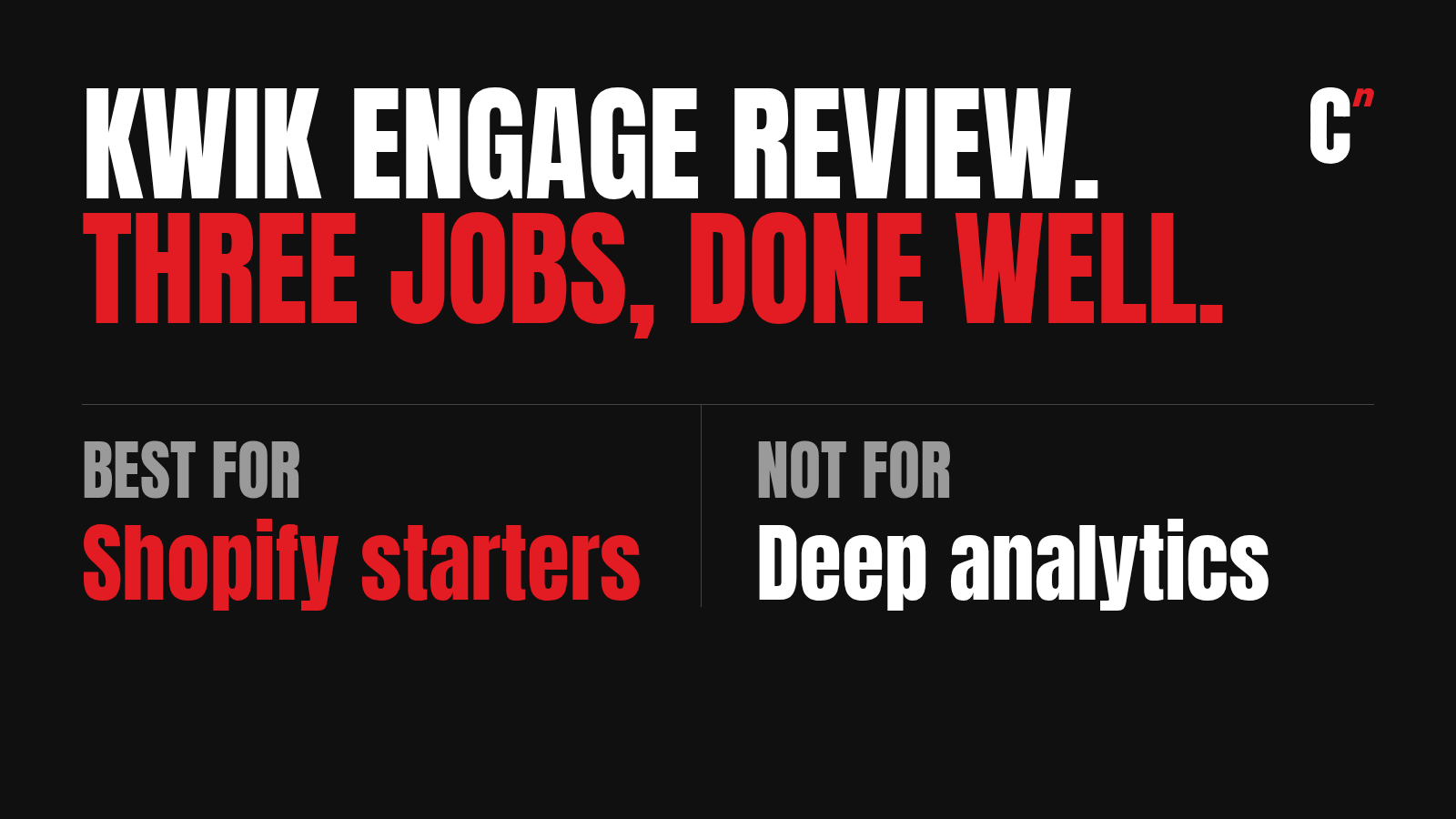
Best for: Shopify D2C brands building their first retention setup, where WhatsApp is the main channel.
Not for: brands that need deep analytics or complex journeys, or small accounts expecting hands-on walkthroughs from the vendor.
Bottom line: Kwik Engage (KwikEngage on Shopify) is GoKwik's WhatsApp-first marketing tool for Shopify brands, and it does three jobs well at a low price. It answers customer queries, runs automations and sends broadcasts. Paired with KwikPass, it starts nurturing shoppers from their first visit. Just don't expect much hand-holding if your account is small.
I use Kwik Engage today, with a current client, and used it for HealthifyStore's repeat purchase work. I'm a paying customer, with no partner or referral arrangement with GoKwik.
Kwik Engage features and plans
The table below is based on what GoKwik publishes on Shopify, as of October 2026.
| Area | What you get |
|---|---|
| Plans | Growth for India at $40 a month, and Pro for the UK, EU and rest of the world at $270 a month, both with a 14-day free trial |
| WhatsApp delivery | Cart recovery with automatic retries |
| Ready-made flows | Broadcasts, order updates, cart recovery and retargeting |
| Segmentation | Customer segments and advanced automation |
| Customer support | A shared inbox, with AI chatbots for support queries |
| Commerce | A no-code chatbot builder with WhatsApp commerce |
| Integrations | Klaviyo, Recharge and Rebuy, on the Pro plan |
| Account help | A dedicated growth consultant, on the Pro plan |
| Anonymous shoppers | Through KwikPass, GoKwik's separate phone login and pop-up app, with a free plan, Premium at $20 a month, and WhatsApp retargeting on its Custom plan |
Sources: Kwik Engage's Shopify listing and KwikPass's Shopify listing. Plan contents change, so confirm yours on a call.
What I use Kwik Engage for
I don't use Kwik Engage for everything, and I don't need to. I use it for three jobs.
Customer queries. Questions land in a shared inbox, so marketing and support work from the same place instead of two tools.
Automations. Cart recovery, order updates and the rest of the core flows run in the background. Failed WhatsApp messages are retried automatically, which matters because of how Meta limits marketing messages, as I explain in why your WhatsApp messages aren't being delivered.
Broadcasts. Campaigns to the segments I build, sent on WhatsApp.

That's it. For a brand early in its retention, those three jobs cover most of what earns money.
Kwik Engage's strength: KwikPass and targeting
The real advantage comes from pairing Kwik Engage with KwikPass. KwikPass identifies shoppers through a phone login and pop-ups as they land on your store. Once a shopper is recognised, Kwik Engage can start nurturing them from that first visit onward. For a brand paying for every visitor, that's the most you can ask of a tool at this price.

The targeting goes further than you'd expect from a WhatsApp tool. I can reach shoppers in a particular time zone, and build narrow segments based on what people have ordered and what they haven't. That's enough to build a proper automation journey from day one.
Kwik Engage drawbacks: what frustrated us
Support for small accounts. When I'm exploring a feature and get stuck, getting someone to walk me through it is hard. You book a call, the person on it works out the problem, then passes it to the product team, and the answer comes back slowly. At a small account size, they can't dedicate someone to you. That's understandable, but it's slow when you're trying to launch. Reviews on its Shopify listing praise the onboarding and support, and the dedicated growth consultant sits on the Pro plan, so ask what your plan includes.
Analytics. You can see whether campaigns went out and who was in a segment, but not the full funnel. I've covered that gap, and when it means it's time to upgrade, in Kwik Engage vs WebEngage.
Kwik Engage pricing
Its Shopify listing starts at $40 a month in India, with a 14-day free trial. GoKwik's own Kwik Engage pricing page shows the UK Pro plan from £200 a month, marked as a limited-time offer down from £400. I pay about ₹9,000 a month for WhatsApp with all the data, automations and campaigns. The AI chatbot costs about ₹10,000 a month more, and you can add it later. Meta's own message charges come on top, as they do on every platform. I break down my per-message rates against Meta's in WhatsApp API pricing in India.
It helps to know how vendors like this make money. They charge a subscription, plus a markup on every message you send. That means the attention you get usually tracks your message volume. A brand sending heavily will likely get a closer account manager than a brand sending lightly. That isn't unfair, but it's worth knowing before you expect white-glove support on a small plan.
Whether the bill pays back depends on what one customer is worth to you, which the customer lifetime value calculator works out in a minute.
Questions to ask GoKwik before you sign
- What's your markup per message, by message type? It's a big part of your real cost.
- At our volume, will we have an account manager, and how do escalations work?
- Which KwikPass plan do we need? WhatsApp retargeting sits on its Custom plan.
- What's in our plan, and what sits on Pro? The dedicated consultant and the Klaviyo, Recharge and Rebuy integrations are listed on Pro.
- Can we export our data to build deeper reports elsewhere?
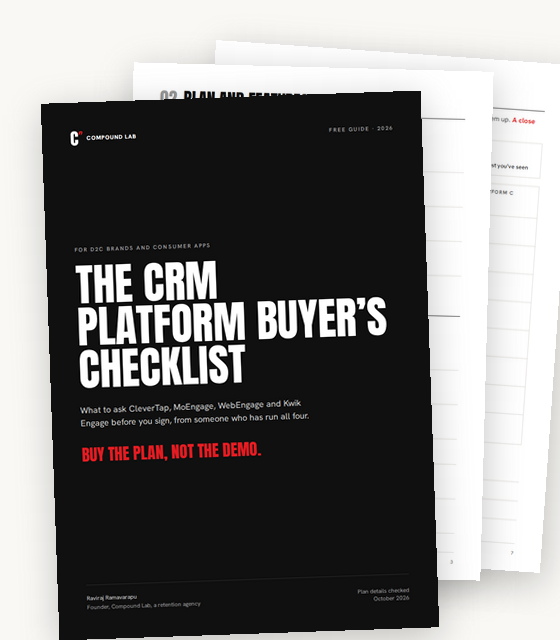
Free checklistEvery question to ask before you sign, for all four platforms, in one fillable PDF. Get the free checklist
Kwik Engage alternatives
When you outgrow Kwik Engage, the usual next step is a full platform. Kwik Engage vs WebEngage covers when to make the move, and my WebEngage review covers what that platform is like to run. For all four platforms I've used side by side, see the four-platform comparison. If you're still choosing your first tool, start with the guide to choosing a CRM platform.
For the abandoned cart flow I run on WhatsApp, with entry and exit rules and example messages, see abandoned cart WhatsApp messages.
Where I fit
The gap on Kwik Engage isn't the product. It's the help available to a small account. Compound Lab is a retention agency, and I set up Kwik Engage and KwikPass for brands, from the flows to the segments and the journeys, without waiting on a support queue. If you're weighing that against hiring, I've compared the options in who should run retention. Book a 30-minute call and we'll get yours running properly.
FAQ
How much does GoKwik charge per month for Kwik Engage? Kwik Engage's Shopify listing starts at $40 a month in India, with a 14-day free trial. I pay about ₹9,000 a month for WhatsApp with automations and campaigns, plus Meta's message charges. GoKwik's checkout and other products are priced separately on its pricing page.
Can GoKwik be integrated with Shopify? Yes. Kwik Engage installs from the Shopify App Store and connects to your store's orders and customers. GoKwik's checkout and KwikPass also work with Shopify.
What is Kwik Engage? Kwik Engage is GoKwik's WhatsApp-first marketing tool for Shopify brands. It answers customer queries, runs automations such as cart recovery, and sends broadcasts, with email, SMS, Instagram and Facebook alongside. On the Shopify App Store it's listed as KwikEngage: Whatsapp Marketing.
What type of company is GoKwik? GoKwik builds growth tools for D2C ecommerce brands, including its checkout, KwikPass for shopper logins and Kwik Engage for marketing. Its site says it works with more than 20,000 brands.
Is Kwik Engage good? For Shopify brands starting out with WhatsApp-led retention, yes. It handles customer queries, automations and broadcasts well at a low price. It's lighter on analytics and on support for small accounts.
How much does Kwik Engage cost? Its Shopify listing starts at $40 a month in India, with a 14-day free trial. I pay about ₹9,000 a month for WhatsApp with automations and campaigns, as of 2026. The AI chatbot is about ₹10,000 a month more, and Meta's message charges are extra.
What is KwikPass? GoKwik's phone login and pop-up app for Shopify. It identifies shoppers as they land on your store, so Kwik Engage can retarget them. It has a free plan, with Premium at $20 a month.
What are Kwik Engage's pros and cons? Pros are a low price, ready-made flows, a shared support inbox, automatic retries, and anonymous shopper targeting with KwikPass. Cons are limited analytics, slow help for small accounts, and a dedicated consultant only on the Pro plan.
Is Kwik Engage good for small brands? Yes, it's built for them. Just plan to learn it yourself or with a partner, since small accounts get limited hands-on support.
What are the best Kwik Engage alternatives? When you outgrow it, WebEngage is the usual next step for a web-first D2C brand. App-led businesses look at CleverTap or MoEngage.
Starting out on Kwik Engage? Book a 30-minute call and we'll set it up right.
Free checklist
Buy the plan, not the demo.
The CRM platform buyer’s checklist. Every question to ask CleverTap, MoEngage, WebEngage and Kwik Engage before you sign, in one PDF.
- Questions on plans, pricing, data, delivery, support and leaving
- A page of questions for each of the four platforms
- A scorecard to compare your shortlist side by side
Sent. Check your inbox.
The checklist is on its way to .