WhatsApp Message Template: Examples and Approval (2026)
WhatsApp message templates explained: 12 D2C examples, marketing vs utility categories, how to create one free, approval time and why Meta rejects them.
Updated October 2026.
A WhatsApp message template is a message a business writes once, gets approved by Meta, and then sends to many customers with their details filled in. You need one for any message you send first, outside a customer's open chat window. Approval is Meta's review of that message a business wants to send first, outside a customer's open chat window. You submit the template with a category (marketing, utility or authentication) and sample values, and Meta says a decision can take up to 24 hours. Approval isn't the end. Meta can move a template to a costlier category, slow it down while it collects feedback, or pause it if customers block it.
I've been through every one of those. At Healthify and at Cumin Co, where I led retention on MoEngage, service messages we submitted as utility were moved to marketing because of a few words Meta didn't like. Some were rejected outright. The fix that worked most often wasn't writing a new template. It was appealing the decision in Meta's own tools, which I cover below.
What is a WhatsApp message template?
A template has fixed text with numbered variables, like {{1}} for the customer's name and {{2}} for an order number, plus optional parts: a header (text, image, video or document), a footer and up to 10 buttons. Your CRM or provider fills in the variables for each customer when it sends.
Creating a template is free. You make it in WhatsApp Manager inside Meta Business Suite, or in your provider's dashboard, which submits it to Meta for you. You pay only when a template message is delivered, at the rate for its category. My WhatsApp API pricing guide has the current Indian rates.
Templates are only for the WhatsApp Business Platform (the API). The WhatsApp Business app has quick replies and greeting messages instead, which don't need Meta's approval.
How the WhatsApp template approval process works
All the rules on this page come from Meta's WhatsApp Business Platform documentation, as of October 2026. Your CRM tool or BSP (business solution provider) submits the template to Meta for you, but Meta makes the decision.
- Write the template. Pick a name (lowercase letters, numbers and underscores), a language and a category. Add a header, body, footer and buttons as needed.
- Add sample values. Every variable needs an example value, so the reviewer can see what the real message will say.
- Submit. The template shows as in review while Meta checks it.
- Get a decision. It comes back approved, shown as "Active - Quality pending", or rejected.
- Fix or appeal. A rejected template can be edited and resubmitted, or appealed with a sample.
Variables can be positional, like {{1}} and {{2}}, or named, like {{first_name}}. Positional is the default, and named variables use lowercase letters and underscores. Each language is its own version and counts against your template limit.

Sources: Meta's template overview and template review pages.
WhatsApp template approval time
Meta's template review page says "it can take up to 24 hours for an approval decision to be made", and appeals are decided within 24 hours too. Meta doesn't publish a shorter typical time.
For a big sale, I submit templates 2 to 3 days ahead. That leaves room for one rejection, one appeal and a day of slow early sends while Meta collects feedback on a new template.
These limits apply as of October 2026.
| Limit | What Meta allows |
|---|---|
| Templates per WhatsApp Business Account | 250 until your business is verified and its display name approved, up to 6,000 after that |
| New templates | Up to 100 per account per hour |
| Header | 60 characters |
| Body | 1,024 characters |
| Footer | 60 characters |
| Buttons | Up to 10 in total, with button text up to 25 characters |
| Edits to an approved template | 1 in 24 hours, 10 in 30 days |
| Reusing a deleted template's name | Wait 30 days |
Sources: Meta's template overview, components and template management pages.
WhatsApp template categories: marketing, utility and authentication
The category decides what you're allowed to say and what each delivered message costs. Meta's template categorization page defines all three, as of October 2026.
| Category | What it's for | Examples |
|---|---|---|
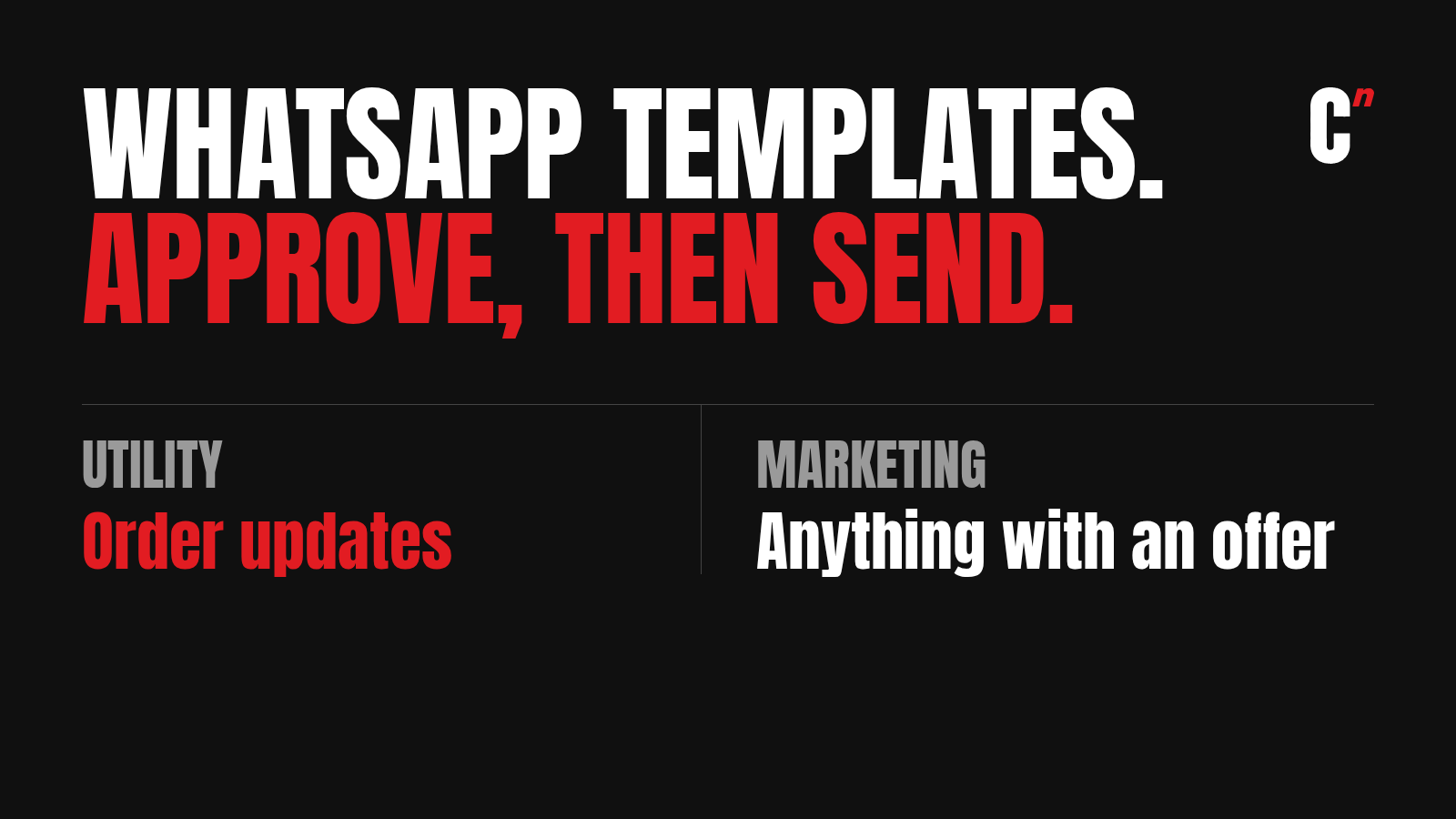
| Marketing | Awareness, sales, retargeting, app promotion, relationship-building. Anything mixed or unclear lands here | Offers, cart reminders, new launches |
| Utility | Non-promotional messages tied to something the user did or asked for, or critical to them | Order confirmation, shipping update, refund |
| Authentication | One-time passcodes for identity checks only | "123456 is your verification code" |
The utility rule is stricter than most marketers expect. Meta says a utility template must be "non-promotional, not containing any promotional or persuasive intent". Mixed content counts as marketing, so one selling line turns a whole shipping update into a marketing message.
Authentication has tight rules of its own. The template must include a one-time password button. It can't contain URLs, media or emojis, and the code is capped at 15 characters.
Not every tool supports all three. MoEngage's template page lists marketing, utility and authentication, while CleverTap says it doesn't support authentication templates. My MoEngage review and CleverTap review cover their WhatsApp setups.
Utility or marketing: one line decides
Here is the same order update, and what each added line does to its category. The rewrites follow Meta's categorization rules. Meta judges the whole message, including buttons.
| Version | Category |
|---|---|
| Hi {{1}}, your order {{2}} has shipped. Track it here. Button: Track order | Utility |
| Add: "Use code SAVE10 on your next order." | Marketing |
| Add: "You might also like our new range." | Marketing |
| Change the button to "Shop now" | Marketing |
| Add: "We're so excited for you to try it!" | Likely marketing, since it reads as persuasive |
| Add: "Reply HELP if anything looks wrong." | Utility |
The test I use is simple. If a line helps the customer with the order they placed, it can stay. If it tries to sell them something else, it belongs in a separate marketing template.

WhatsApp message template examples for D2C brands
Most example lists online are appointments and SaaS welcomes. These are for brands that ship orders. Each one puts fixed words before and after every variable, which Meta requires. The category column follows Meta's categorization page, and Meta makes the final call.
| Use and category | Template |
|---|---|
| Order confirmed Utility |
Hi {{1}}, thanks for your order {{2}}. We will message you when it ships. |
| Order shipped Utility |
Your order {{1}} has shipped and should reach you by {{2}}. Track it with the button below. |
| Out for delivery Utility |
Your order {{1}} is out for delivery today. Please keep your phone handy. |
| Delivery failed Utility |
We could not deliver order {{1}} today. Pick a new delivery slot with the button below. |
| COD confirmation Utility |
Please confirm your cash on delivery order {{1}} of Rs {{2}}. Tap Confirm or Cancel below. |
| Refund processed Utility |
Your refund of Rs {{1}} for order {{2}} is processed. It should reach you in 5 to 7 working days. |
| Return pickup Utility |
Your return for order {{1}} will be picked up on {{2}}. Please keep the item packed. |
| Review request Utility |
How was order {{1}}? Tap below to rate it. It takes 10 seconds. |
| Login code Authentication |
Meta's fixed text: "{{1}} is your verification code." With a copy code button |
| Cart reminder Marketing |
Hi {{1}}, you left {{2}} in your cart. Complete your order with the button below. |
| Back in stock Marketing |
Good news, {{1}} is back in stock. Shop it before it sells out again. |
| Win-back Marketing |
It has been a while, {{1}}. Use code {{2}} for 10% off your next order. |
Meta lists cart reminders as marketing, so don't try to file them as utility. For cart flows that work, see my abandoned cart WhatsApp guide.
WhatsApp template rejection reasons
Meta's template review page groups rejections into four kinds, as of October 2026.
- Variable formatting. Missing or mismatched curly braces, special characters inside a variable, numbering that skips (
{{1}}then{{3}}), too many variables for the length of the message, or a template that starts or ends with a variable. These usually come back as "invalid format". - Content and policy. Anything that breaks the WhatsApp Business or Commerce Policy, asks for sensitive identifiers like a full card number, or reads as abusive or threatening.
- Length limits. A header, body, footer or button over its character limit.
- Duplicates. The same body and footer as one of your existing templates. This check doesn't apply to authentication templates.
Three habits prevent most of these. Put fixed words before and after every variable. Give realistic sample values, a real-looking name and order number rather than "test". Keep utility messages free of anything that sounds like selling.
Why Meta changes your template category, and how to appeal
Meta reviews categories at submission and again after approval. The categorization page sets out what happens, as of October 2026.
- At submission. Since 9 April 2025, a template you submit as utility that Meta judges to be marketing is approved as marketing, not rejected.
- After approval. If Meta decides an approved utility template is really marketing, it gives 1 day's notice before switching it. Businesses with a misuse warning get no notice.
- Authentication mismatch. A marketing or utility template that should be authentication is rejected on the first day of the next month.
- How you hear. An email to admins, a banner in WhatsApp Manager and a
template_category_updatewebhook. - Appeals. You have 60 days from the change to ask for a review in Business Support Home.
This is where I see CRM marketers lose money. Most of them work only inside their CRM platform. When a template is rejected or moved to marketing, they write a new one and try again. The better move is to go to Meta's WhatsApp Manager, open the template, and appeal. At Healthify and at Cumin Co, appeals moved several of our templates back to utility. It's a review, so it doesn't always work. Some of our messages never qualified as utility, however we worded them.
To appeal a rejection, open the template in WhatsApp Manager under Account tools, then Message templates. Edit it if needed, add a sample and submit the appeal. Meta says appeals must include a sample. For a category change, use Business Support Home within the 60 days.
Repeated misuse of utility leads to escalating penalties. Meta lists a warning, then rate limiting for at least 7 days, then a utility restriction of 7 days (30 for repeat cases), then a 30-day restriction on the whole business portfolio.
What a category change costs per order
A template moved from utility to marketing costs about 7.5 times as much for every message. Meta's India list rates, as of October 2026, are about ₹0.115 for utility and ₹0.8631 for marketing, before GST and your provider's share. My WhatsApp API pricing guide has the full rate card.
Take a brand that sends five order updates per order: confirmed, shipped, out for delivery, delivered and a review request.
| Item | As utility | Moved to marketing |
|---|---|---|
| Cost per message | ₹0.115 | ₹0.8631 |
| Cost per order, 5 messages | ₹0.58 | ₹4.32 |
| Cost for 10,000 orders a month | ₹5,750 | ₹43,155 |
That gap comes straight out of contribution margin on every order, which is why an appeal is worth ten minutes. One more change matters here. Since 1 October 2026, utility messages sent inside an open 24-hour chat window are charged too. Before that, they were free.

WhatsApp template status, quality rating and pauses
Approval is only the first status. These are the ones you'll see in WhatsApp Manager, per Meta's overview and template quality pages.
| Status | What it means | Can you send? |
|---|---|---|
| In review | Meta hasn't decided yet | No |
| Rejected | Failed review. Edit and resubmit, or appeal | No |
| Active - Quality pending | Approved, not enough feedback yet to rate | Yes |
| Active - High, Medium or Low quality | Rated on blocks, reports and read rates | Yes, but Low risks a pause |
| Paused | Stopped after low quality | No |
| Disabled | Stopped for good after repeated pauses. Edit and resubmit | No |
| Appeal requested | You've asked Meta to review a decision | Not for a rejected template. A recategorised one keeps sending as marketing |
Pacing. A new marketing or utility template, or one without a high rating yet, may be paced. Meta sends it to a small group first and holds the rest while it collects early feedback. If feedback is good, the held messages go out. If it's bad, the template is paused and the held messages are dropped. So a big send from a brand-new template can start slowly. That's another reason to submit a few days early. Source: Meta's template pacing page.
Pauses. Per Meta's template pausing page, a low-quality template is paused for 3 hours the first time and 6 hours the second time. A third instance disables it. I've had templates paused. Before you edit and resubmit one, check what it said and who it went to, because the same message to the same list will get the same feedback.
Meta also caps how many marketing templates one person receives from all businesses. Messages blocked by that cap fail with error 131049, which I explain in WhatsApp error 131049.
What breaks in your CRM when a template changes
Your CRM platform reads template status from Meta through your BSP. When Meta changes a template, a live journey can quietly stop working.
- Moved to marketing. The journey keeps sending, at marketing rates. Those messages also count against the per-user marketing cap, so delivery can drop.
- Paused or disabled. Sends fail while the journey keeps running. Some tools go further: Netcore's template doc says it disables a utility template that Meta moves to marketing.
- Edited. An edited template goes back through review. If the edit fails, the template can't be sent until you fix it.
Three habits protect you. Check category update emails every week. Keep a second approved version of your most important utility templates. And set a fallback channel for failed sends. For order updates in India, that's usually SMS, which needs its own DLT template.
An approved template that gets paused or capped is one reason messages don't arrive. The others are in my guide to WhatsApp delivery rate. For where WhatsApp fits in a wider plan, see what CRM marketing is.
Where I fit
I'm Raviraj, founder of Compound Lab, a retention agency for D2C brands and consumer apps. If you're learning, see where this work fits in a career in how to become a CRM marketer. Running a brand and paying marketing rates for order updates? See how Compound Lab works as a WhatsApp marketing agency, or book a 30-minute call.
FAQ
What is a WhatsApp message template? It's a pre-approved message a business uses to start a WhatsApp conversation or message a customer after the 24-hour chat window closes. It has fixed text with variables for details like name and order number, and Meta must approve it before it can be sent.
How do I create a WhatsApp message template for free? In WhatsApp Manager in Meta Business Suite, or in your WhatsApp provider's dashboard. Pick a category and language, write the text with variables, add sample values and submit. Creating and submitting is free; Meta charges only for delivered template messages.
How long does WhatsApp template approval take? Meta says an approval decision can take up to 24 hours, and appeals are also decided within 24 hours. For a sale or launch, submit 2 to 3 days ahead to leave room for a rejection, an appeal and pacing.
What is the difference between utility and marketing templates on WhatsApp? Utility templates are non-promotional updates about something the customer did, like an order or a refund. Marketing templates cover offers, launches, cart reminders and anything mixed or unclear. One promotional line turns a utility template into marketing.
Why was my WhatsApp template rejected? Common reasons are badly formatted variables ("invalid format"), a template that starts or ends with a variable, content that breaks WhatsApp's Business or Commerce Policy, going over a character limit, or duplicating an existing template.
Can I appeal if Meta moves my template to marketing? Yes. You have 60 days from the change to request a review in Business Support Home. Appeals don't always succeed, but they often do for genuine service messages, so appeal before you rewrite.
Are utility templates free inside the 24-hour window? Not any more. Since 1 October 2026, Meta charges for utility messages sent inside an open 24-hour customer service window, at the utility rate. They were free from July 2025 until then.
What is the WhatsApp template character limit? The body can be up to 1,024 characters, and the header and footer up to 60 characters each. Button text is capped at 25 characters, with up to 10 buttons in total.
Why is my WhatsApp template paused? Meta pauses a template that gets a low quality rating from blocks, reports or low read rates. The first pause lasts 3 hours, the second 6 hours, and a third instance disables it until you edit and resubmit.
Order updates being charged as marketing? Book a 30-minute call.
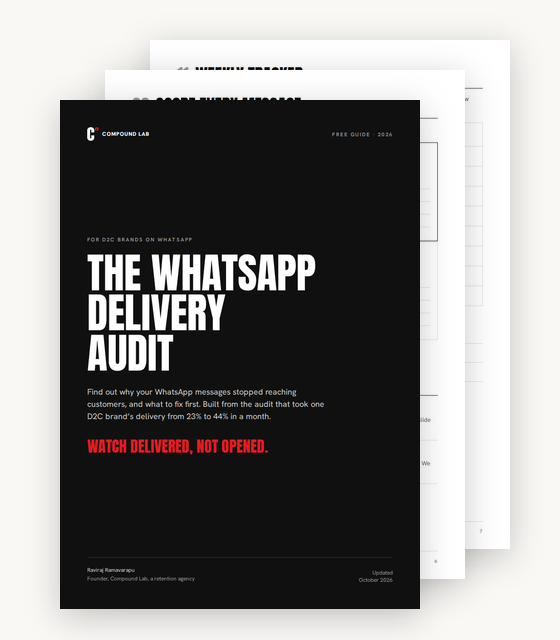
Free audit
Watch delivered, not opened.
The WhatsApp delivery audit. The checks I ran at Cumin Co, from reading error codes to frequency, replies and retries, in one PDF.
- How to read 131049 and five other failure codes
- Checks on trust, replies, frequency, journeys and retries
- A grid to score every message, and an 8-week tracker
Sent. Check your inbox.
The audit is on its way to .